
Generate structured data markup without writing JSON-LD by hand
This tool builds structured data markup (schema markup, written as JSON-LD) for common page types such as articles, products, FAQs and local business listings. Fill in the fields for your page and it produces the code ready to paste into your site, saving you from writing it line by line. It can still produce markup that Google chooses not to use for rich results, so check the output against Google's own testing tools before you publish.
How to Generate Schema Markup Without Writing JSON-LD by Hand
This guide walks you through the SEO Schema Generator, a free tool that builds JSON-LD structured data for articles, products, FAQs and other common page types without you having to write it by hand. It's for anyone adding schema markup to a UK site who wants to get the syntax right first time. By the end you'll know which schema type to pick, how to fill in the fields Google actually reads, and where the tool's output still needs a manual check.

-
Pick the right schema type
You select the schema type that matches your page, such as Article, Product or FAQ, since Google treats each one differently.
-
Fill in the required fields
You enter the details the tool asks for, from author names to price and availability, and it assembles the JSON-LD for you.
-
Validate before you publish
You check the generated markup against Google's rich result rules and paste it into your page's head or body.
SEO Schema Generator
Fill in the fields for the schema type you need. The JSON-LD output on the right updates as you type. Copy it and paste it into a script tag with type application/ld+json on your page.
Generated JSON-LD
Build Clean Schema Markup in Minutes, No Sign-Up Needed
This tool builds JSON-LD structured data for the schema types you'll use most often: articles, products, FAQs, and local business listings. Fill in the fields and copy out markup ready to paste into your page's head or template. Check the result against Google's own documentation before you publish, because a generator can produce markup that's syntactically valid but still wrong for what's actually on your page.
No account required, works on any device, free to use.
Popular Tools
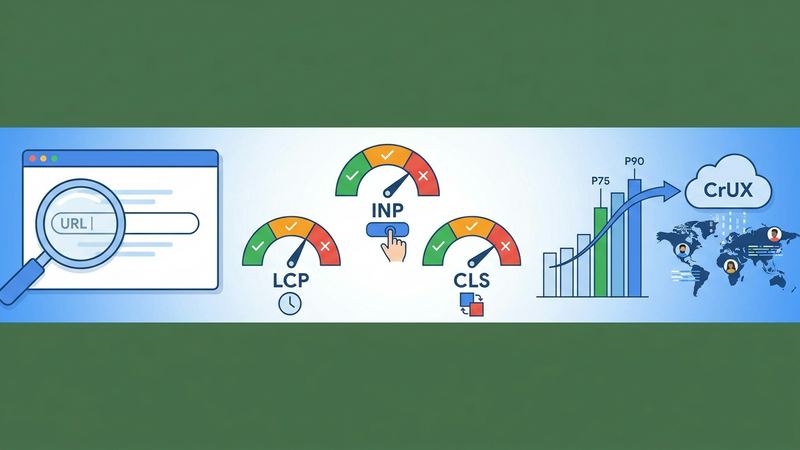
Core Web Vitals Checker — Free SEO Tool
Enter a URL to get real-user LCP, INP, and CLS scores from the Chrome UX Report, with pass/fail verdicts and percentile breakdown.
Web Vitals
Keyword Difficulty Estimator — Free SEO Tool
Enter a keyword phrase and target market to get a difficulty band estimate, intent classification, and related question suggestions from autocomplete data.
KD Estimator
Meta Tag Checker — Free SEO Tool
Paste any URL to instantly check its title tag, meta description, canonical URL, robots directives, Open Graph tags, and H1 — no login required.
Meta Tag Checker
Redirect Chain Checker — Free SEO Tool
Enter a URL to trace its full redirect chain, see the status code at each hop, the final destination, and get flagged if the chain is too long.
Redirect Checker
Robots.txt Tester — Free SEO Tool
Enter a domain and URL path to check whether Googlebot, Bingbot, and generic crawlers are allowed or blocked by the live robots.txt file.
Robots.txt Tester
SERP Snippet Previewer — Free SEO Tool
Enter a title and meta description to see a live preview of your Google search snippet on desktop and mobile, with pixel-width indicators.
SERP Previewer