
See How Your CPM and CPC Compare
Enter your CPM or CPC along with the platform or industry you're buying on, and see where that figure sits against typical benchmark ranges. Ad rates move with the market and your own buying terms, so treat the result as a starting point for a conversation, not a verdict.
Comparing CPM and CPC benchmarks across industries and channels
The CPM / CPC Benchmark Comparator sets a cost per thousand impressions or cost per click against typical ranges for that industry and channel, so you can see quickly whether a rate you've been quoted sits inside or outside the normal band. This guide is for anyone benchmarking ad costs or putting a value on organic traffic who wants a reference point before a budget conversation. The range it returns is a guide rather than a verified market rate, so check it against your own campaign data before relying on it.

-
Enter your channel and industry
You name the advertising channel and industry you want a rate for, since CPM and CPC both vary sharply between the two.
-
Read the benchmark range
The comparator returns a typical CPM or CPC range for that channel and industry, which you set against any rate you've actually been quoted.
-
Weigh the result against your own numbers
You use the gap between the benchmark and your own figures to decide whether a rate is worth negotiating or a keyword's traffic is worth more than its ad cost suggests.
CPM / CPC Benchmark Comparator
Select an advertising channel and your industry vertical to see indicative UK CPM and CPC benchmark ranges, what drives the variance, and how that channel compares to the alternatives. Use this to sense check quotes you have received from platforms or agencies.
| Channel | CPM range | CPC range |
|---|
These are indicative ranges for typical UK campaigns, not quotes. Actual costs vary by targeting, seasonality, creative quality, bidding strategy, and account history. Use them to sense check what platforms or agencies quote you, not as a guarantee of price.
Compare Your CPM or CPC Against the Benchmark
Enter your CPM or CPC and the platform you bought it on, and the comparator shows you where that number sits against typical benchmark ranges. It's built for media buyers and in-house teams who want a quick check on a campaign's cost before it goes into a report. A benchmark is a guide, so a figure it flags as unusual can still have a perfectly good reason behind it.
No account needed · Works on any device · Always free
Popular Tools
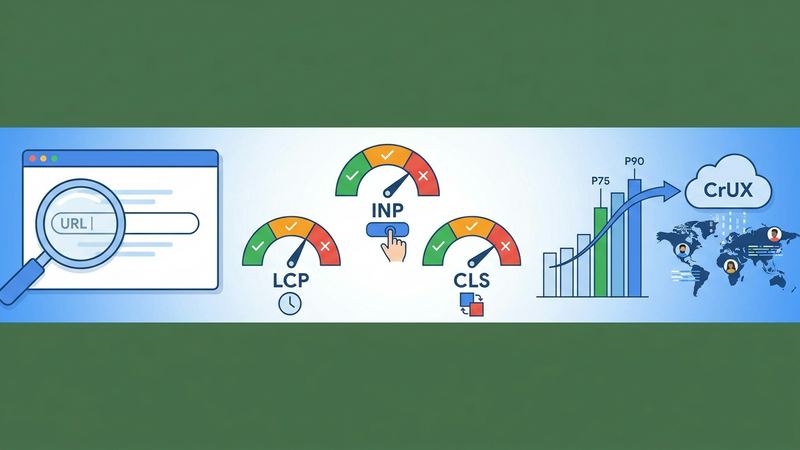
Core Web Vitals Checker — Free SEO Tool
Enter a URL to get real-user LCP, INP, and CLS scores from the Chrome UX Report, with pass/fail verdicts and percentile breakdown.
Web Vitals
Keyword Difficulty Estimator — Free SEO Tool
Enter a keyword phrase and target market to get a difficulty band estimate, intent classification, and related question suggestions from autocomplete data.
KD Estimator
Meta Tag Checker — Free SEO Tool
Paste any URL to instantly check its title tag, meta description, canonical URL, robots directives, Open Graph tags, and H1 — no login required.
Meta Tag Checker
Redirect Chain Checker — Free SEO Tool
Enter a URL to trace its full redirect chain, see the status code at each hop, the final destination, and get flagged if the chain is too long.
Redirect Checker
Robots.txt Tester — Free SEO Tool
Enter a domain and URL path to check whether Googlebot, Bingbot, and generic crawlers are allowed or blocked by the live robots.txt file.
Robots.txt Tester
SERP Snippet Previewer — Free SEO Tool
Enter a title and meta description to see a live preview of your Google search snippet on desktop and mobile, with pixel-width indicators.
SERP Previewer